Your data is just files
All time entries are stored as files in a folder you control. Inspect them, back them up, or move them anytime.
Bring your own sync
Sync across devices using iCloud, Google Drive, or OneDrive — or keep everything fully offline.
No SaaS nonsense
No accounts, no analytics, no subscriptions, and no proprietary cloud.
How it works
1. Track time
Start and stop the timer from the macOS menu bar or iOS widgets.
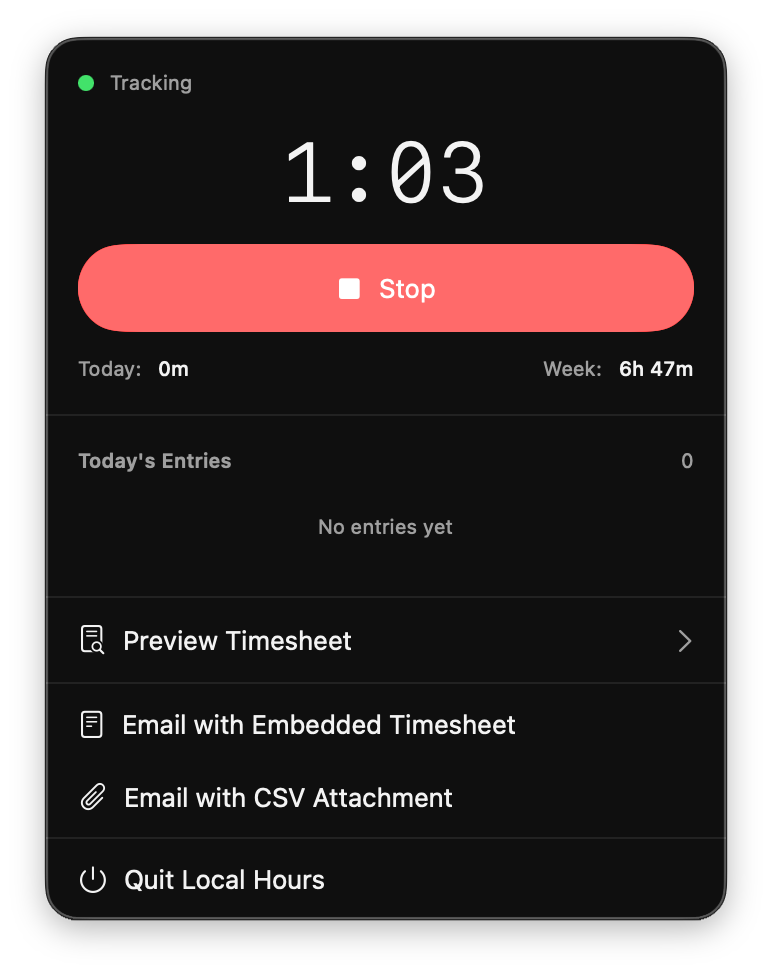 Menu bar timer while tracking
2. Add context
Add a short description when you stop the clock.
 Quick description on stop
3. Generate timesheets
Create weekly, bi-weekly, or monthly timesheets automatically.
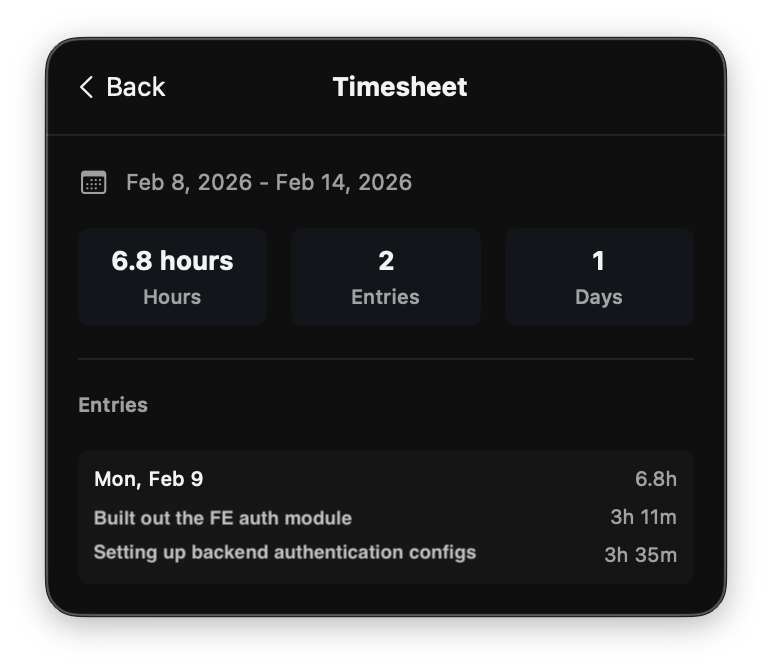 Weekly timesheet preview
4. Send
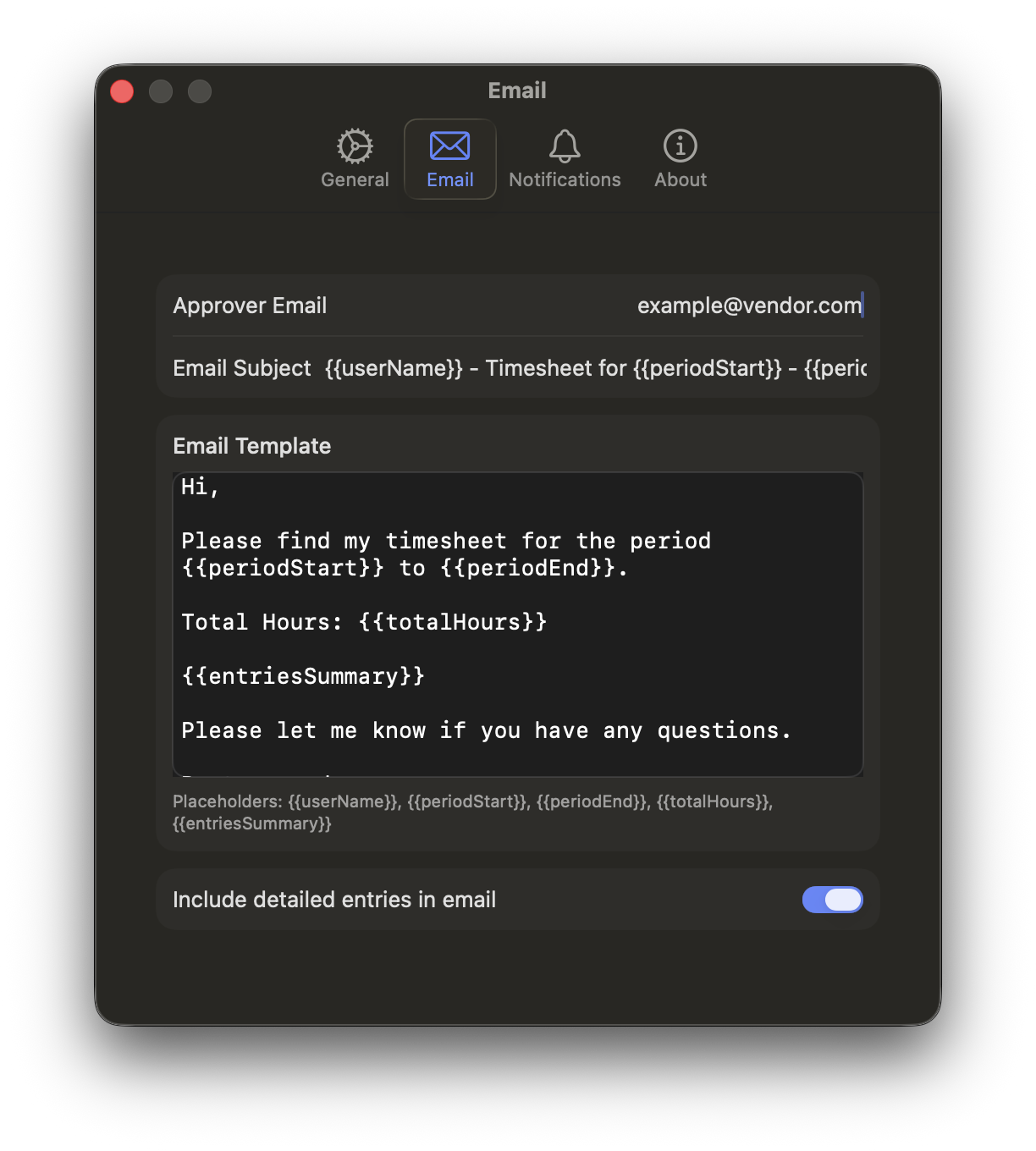
Email approvers with an embedded summary or CSV attachment.
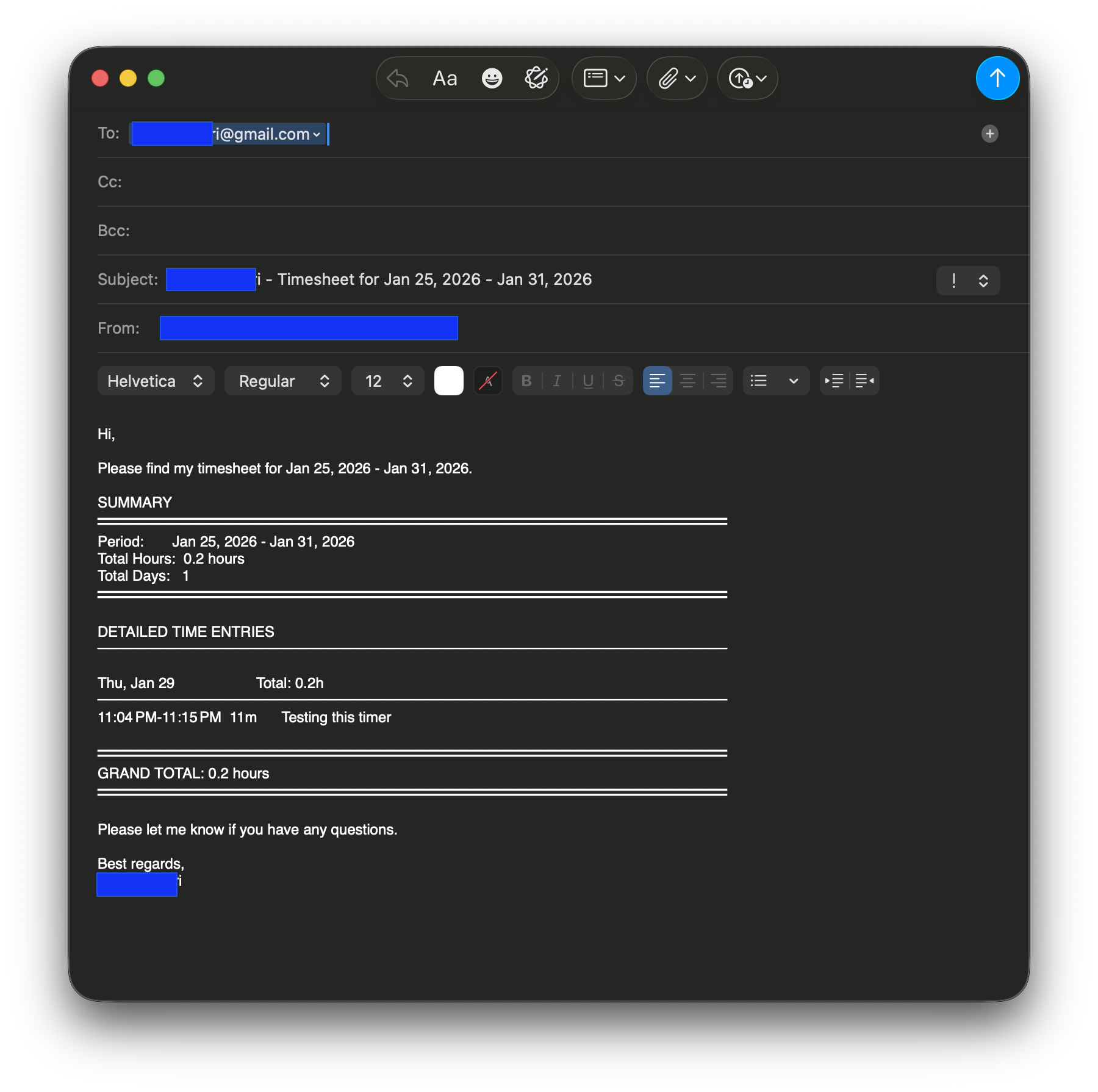 Draft email with embedded summary
Features
Track
- One-tap start and stop
- Menu bar app and widgets
- Notifications and reminders
Understand
- Descriptions per work session
- Clear history view
- Timezone-aware entries
Report
- Weekly, bi-weekly, or monthly timesheets
- Embedded email summaries
- CSV exports
Control
- Folder-based storage
- Custom email templates
- Works fully offline
Who it’s for
- Consultants and freelancers billing hours
- Contractors submitting weekly timesheets
- People who don’t want another SaaS account
- Developers who prefer file-based workflows
Platforms
Android
In progress. Same data format for seamless sync.
Install

Available for iPhone, iPad, and Mac on the App Store.
Or clone and build from source in Xcode.
Feedback & bugs
Open an issue on GitHub .